

AfCEN Account
One sign-in for every AfCEN platform.
Sign in once and open every AfCEN platform you use. People, administrators and AI agents all sign in in one place.
- Sign-in options
- Email code, Google, passkey, optional password
- Languages
- English, French and Portuguese
- Standard
- OpenID Connect and OAuth 2.1

What AfCEN Account is
The AfCEN Account is the one sign-in for every AfCEN platform. Sign in once and you can open each product you use without signing in again. Sign out of one and you are signed out of the account.
People sign in with an email code, Google, a passkey or an optional password. New people create their account on first sign-in. Administrators must use a second step. Products never see a password or a code.
Products connect the standard way, through OpenID Connect and OAuth 2.1, and keep their own roles. AI agents can also connect to an account with the person's permission, an end date and approvals, and can be removed at once.
Gallery
A look inside AfCEN Account. Select a picture to see it full size.

Introductory video coming soon
Until then, ask MANSA for a quick tour of AfCEN Account.
How it works
From first visit to results.
Enter your email
Continue with an email code, Google, a passkey or a password.
Create your account once
New people create their account on first sign-in and give their name once.
Open any AfCEN platform
Single sign-on carries you from one product to the next.
Manage your account
See connected apps, devices and activity, and remove access when you choose.
What you can do with it
Sign-in
Email codes, Google, passkeys and optional passwords, with a remembered-accounts chooser.
Security
Two-step sign-in, short-lived signed tokens, rate limits and alerts.
Your account
Personal info, security, notifications, connected apps, activity, data and privacy, and organisations.
Device and agent sign-in
Connect a TV, command-line tool or AI agent by entering a code.
Admin console
People, organisations, applications, roles per product and an audit log with export.
AI agents
Agents connect as a remote MCP server with the person's chosen permissions, end date and approvals.
Who it’s for
People using AfCEN platforms
One account and one sign-in, with a clear view of every app connected to it.
Administrators
One console for people, applications, roles and the audit log.
Product teams
A standard way to add sign-in without building their own login pages.
Connected to the AfCEN intelligence layer
One AfCEN Account carries who you are across every platform, so each product can open on your context instead of asking again.
Works hand in hand with

Intelligence workspace
PreviewYour own workspace on the AfCEN intelligence layer: ask MANSA, explore the Atlas map, screen projects and keep what matters.
View platform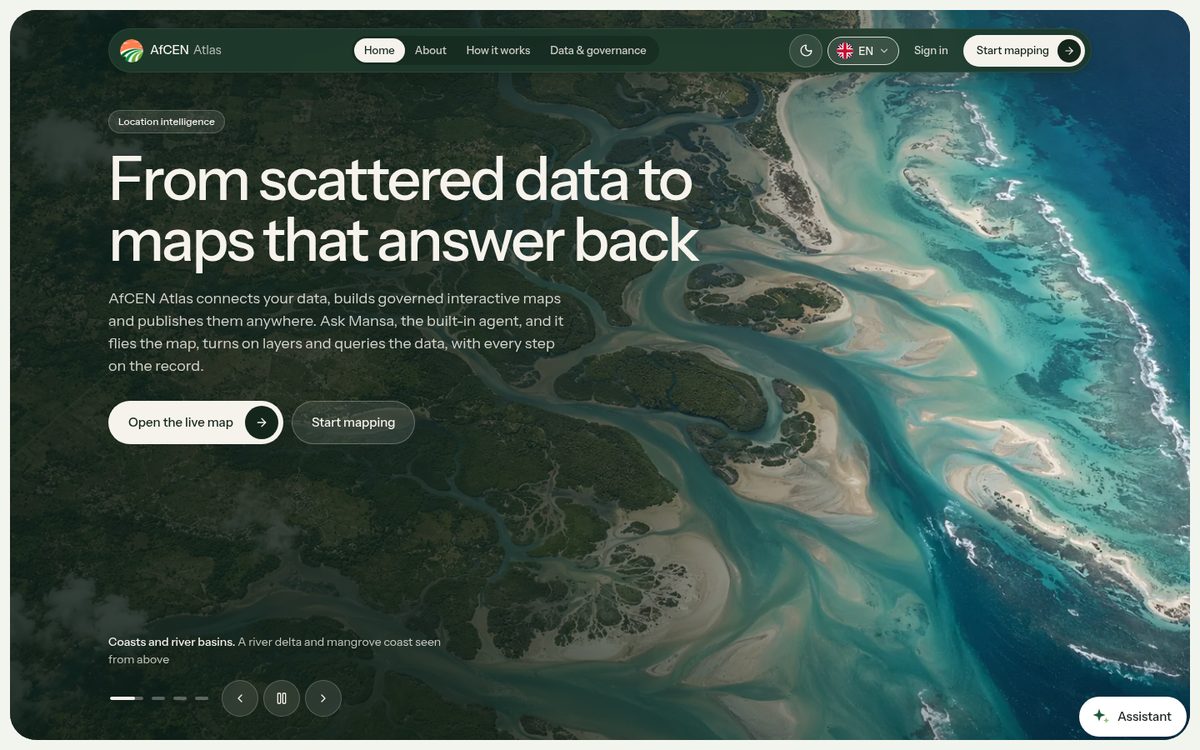
Atlas
PreviewAfCEN Atlas puts corridor infrastructure, resources and projects on one governed, interactive map. Ask Mansa, the built-in agent, and it works the map for you.
View platform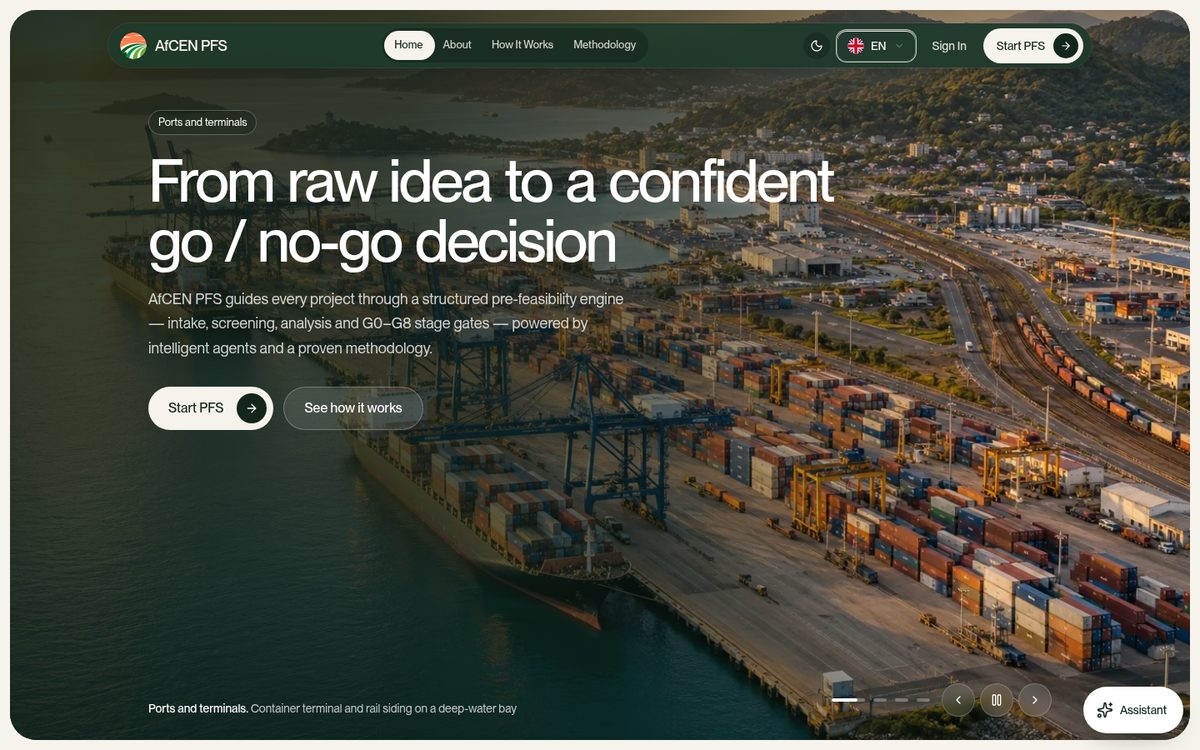
PFS Studio
LiveAn evidence-first engine that builds desktop pre-feasibility studies for corridor projects, with every figure traceable and every decision left to an accountable person.
View platformSectors it serves
Questions people ask
Do I need a password?
No. You can sign in with an email code, Google or a passkey. A password is optional.
Can products see my password?
No. You sign in on the AfCEN Account, and products receive a short-lived signed token, never your password or code.
Can an AI agent use my account?
Only if you allow it. You choose its permissions, an end date and which actions need your approval, and you can remove it at once.
Which languages does it support?
English, French and Portuguese, in light and dark, and it works on phones.
Get started with AfCEN Account
Create an AfCEN Account with your email address.